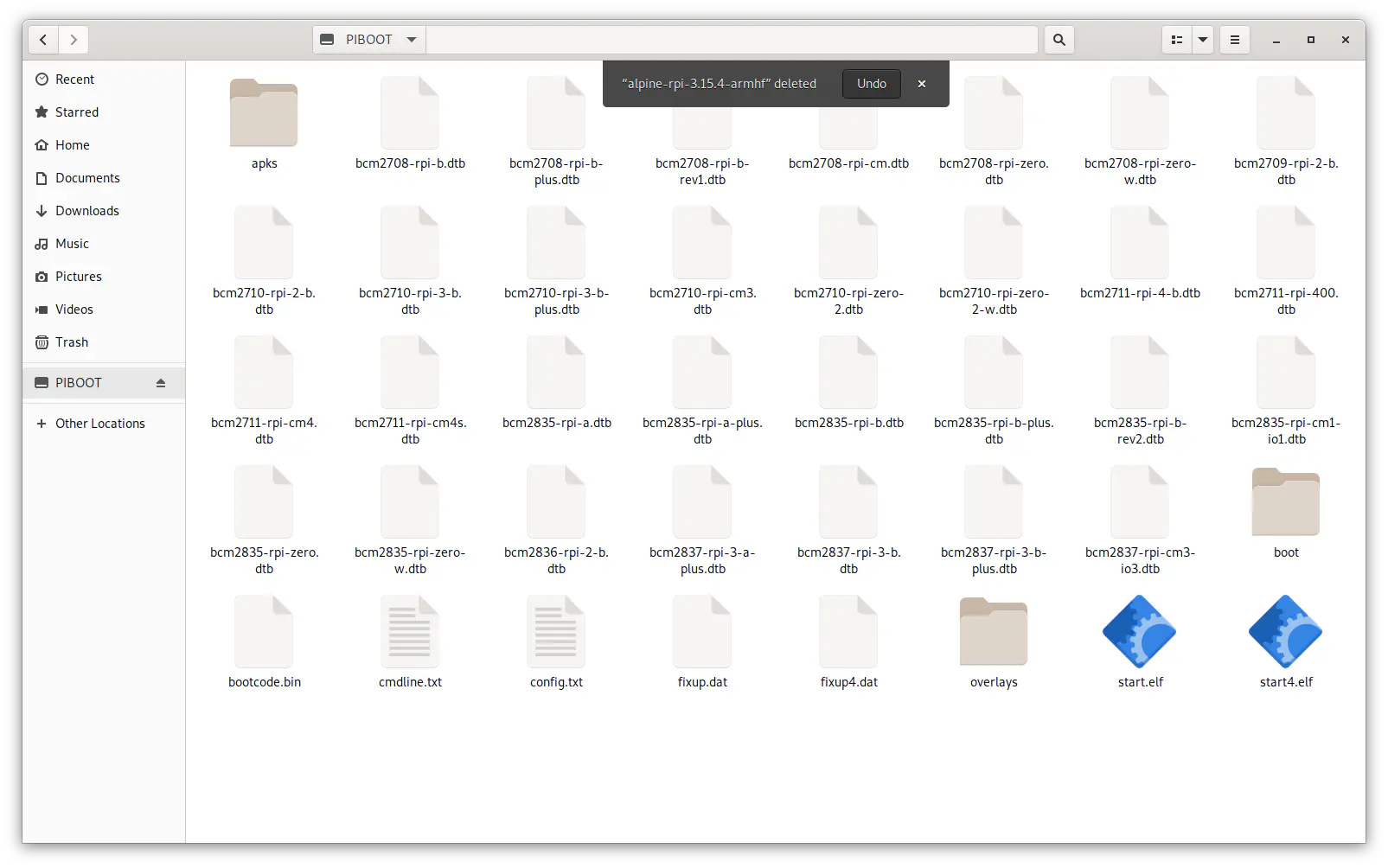
Copy tarball to boot under Gnome
Steps
Screenshots are from GNOME but most GUI desktops are similar.
Select install tarball wherever you have it downloads (often in your
Downloadsdirectory), right-click and select ‘Extract To…’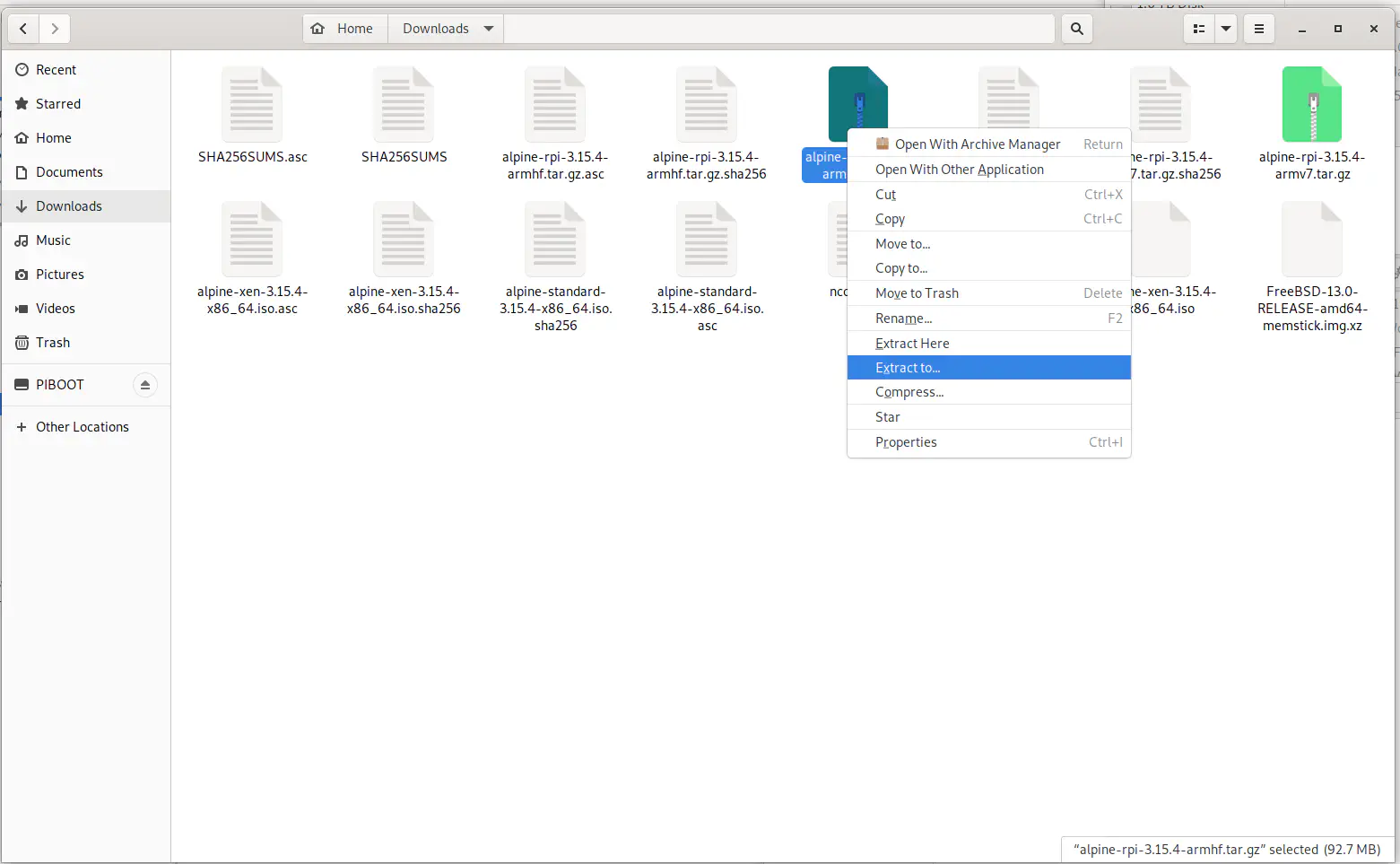
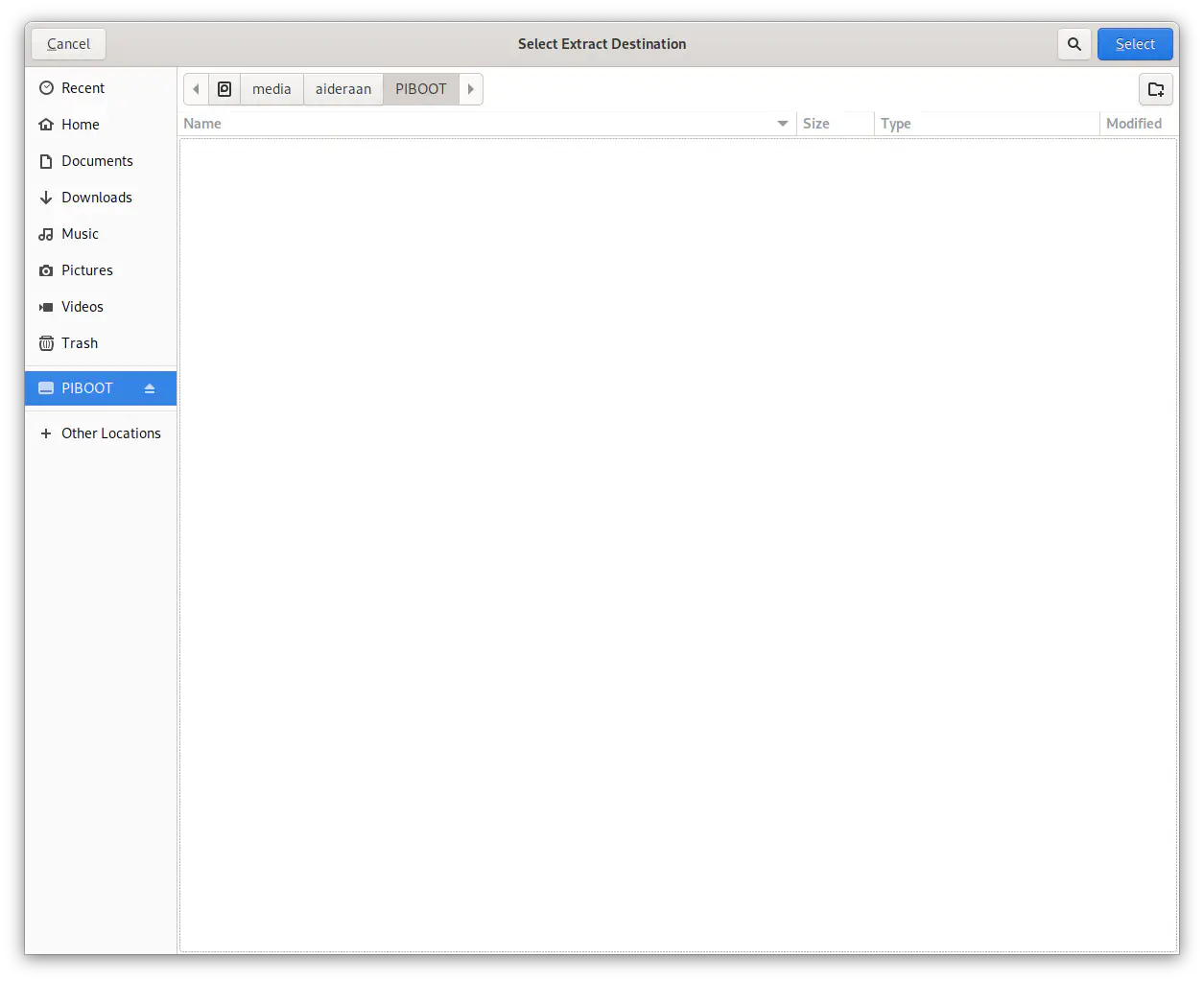
Browse to the boot partition of the SD card
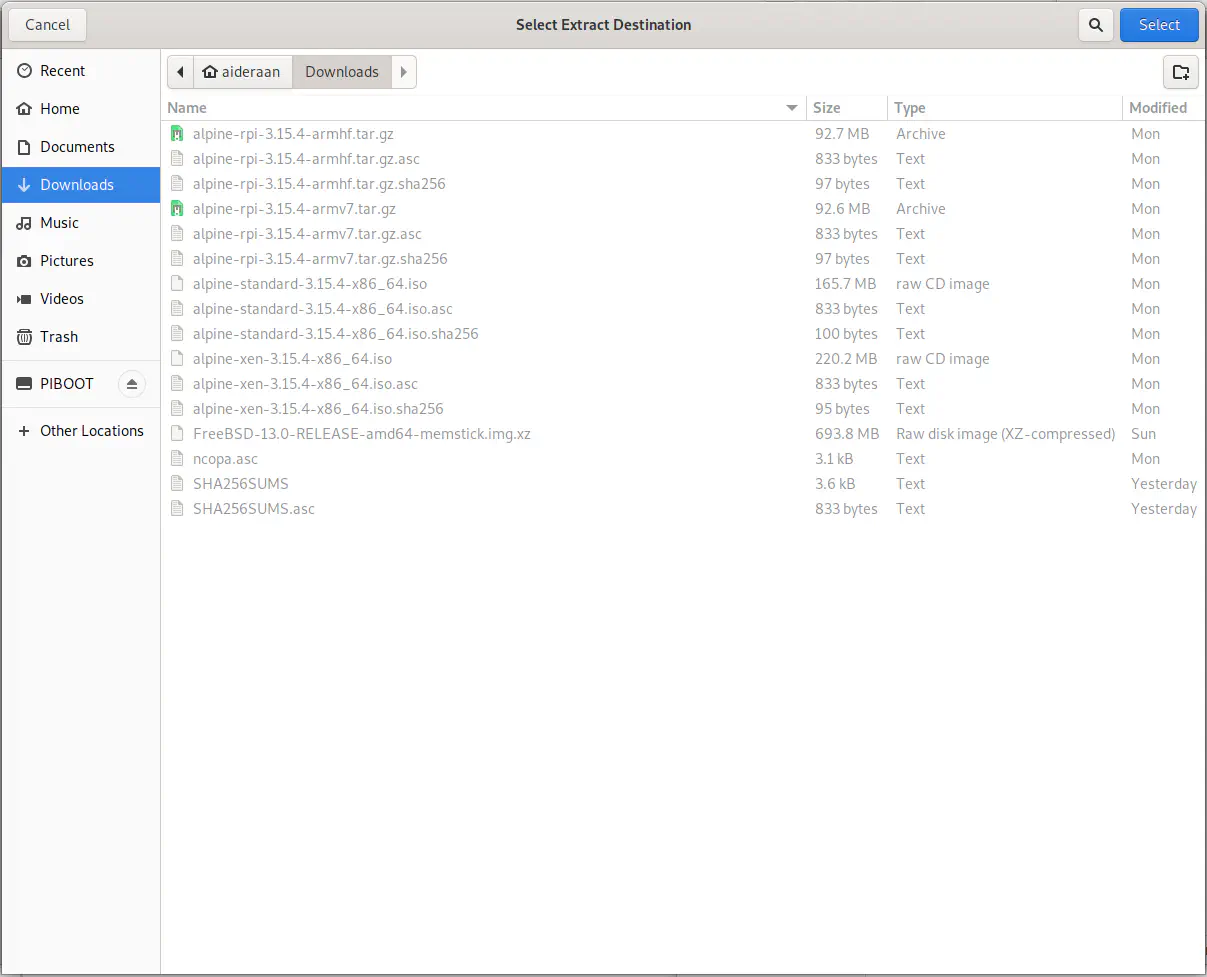
Select the boot partition of the SD card as extraction destination
The result will be a directory containing the boot files on the boot partition; we actually want the files in the top-level (root) of the boot partition.
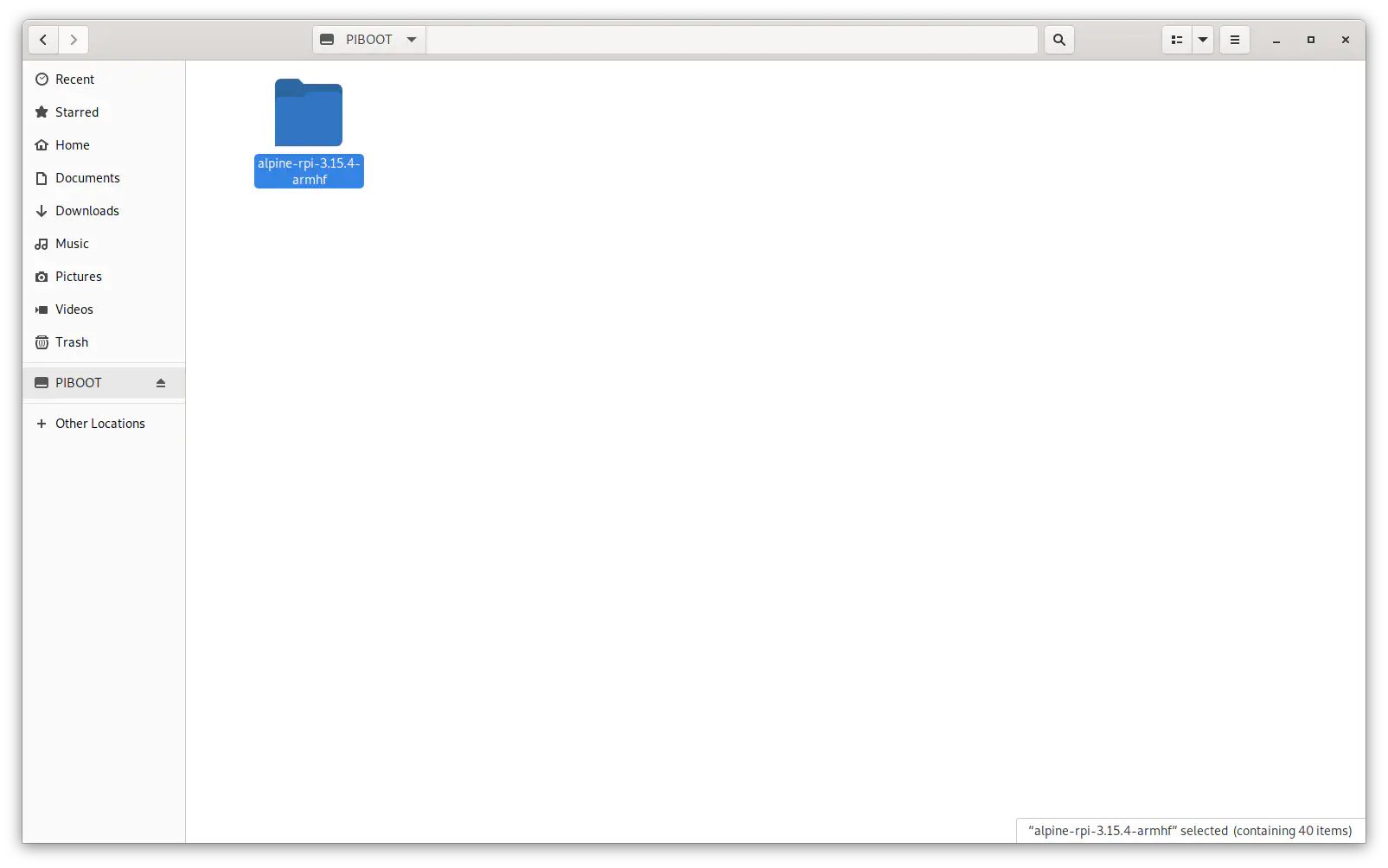
Therefore, select all files in the directory that was created (e.g. in the file manager, browse into the directory and press [Ctrl-A]).
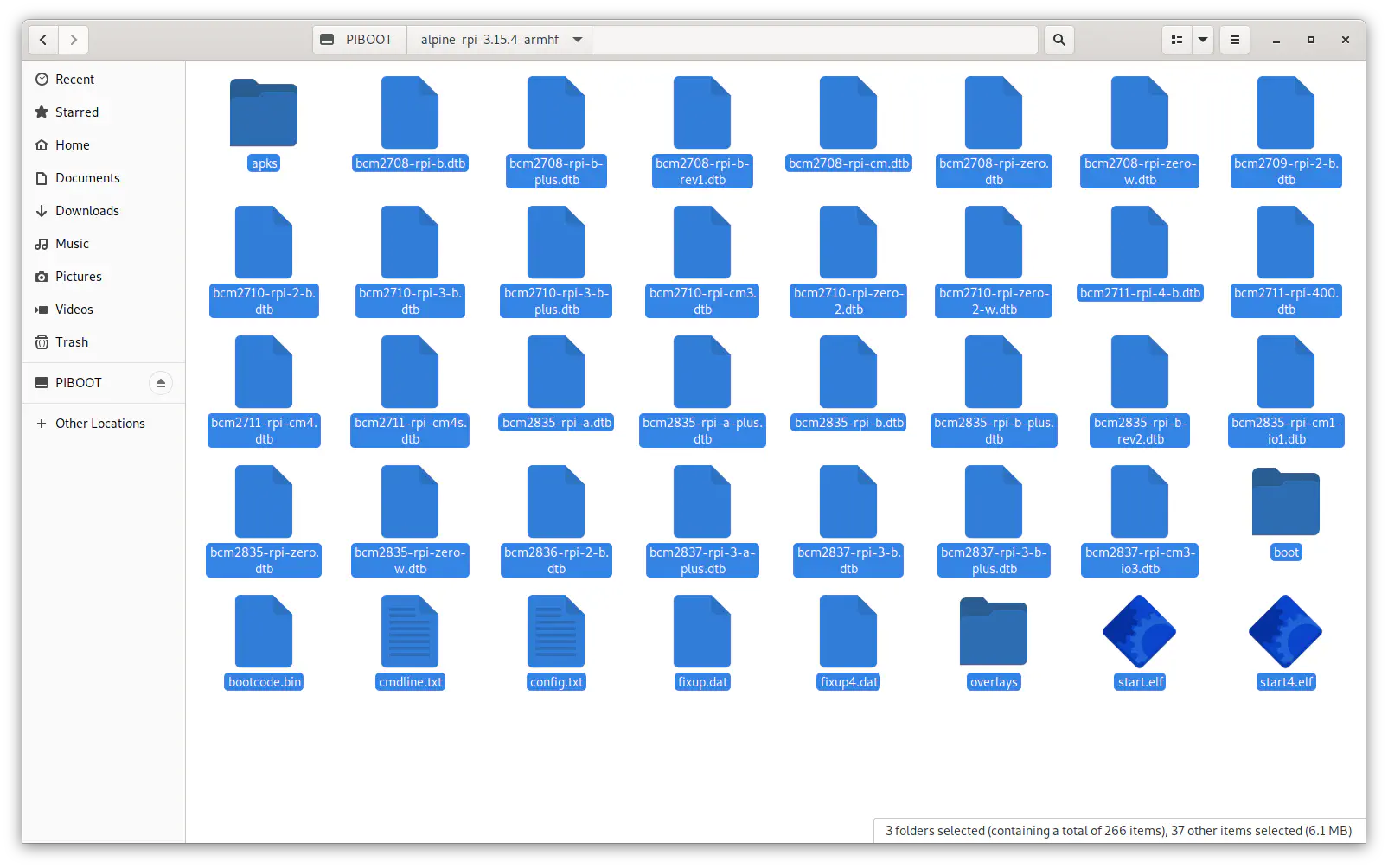
Cut and paste the files into the top-level (root).
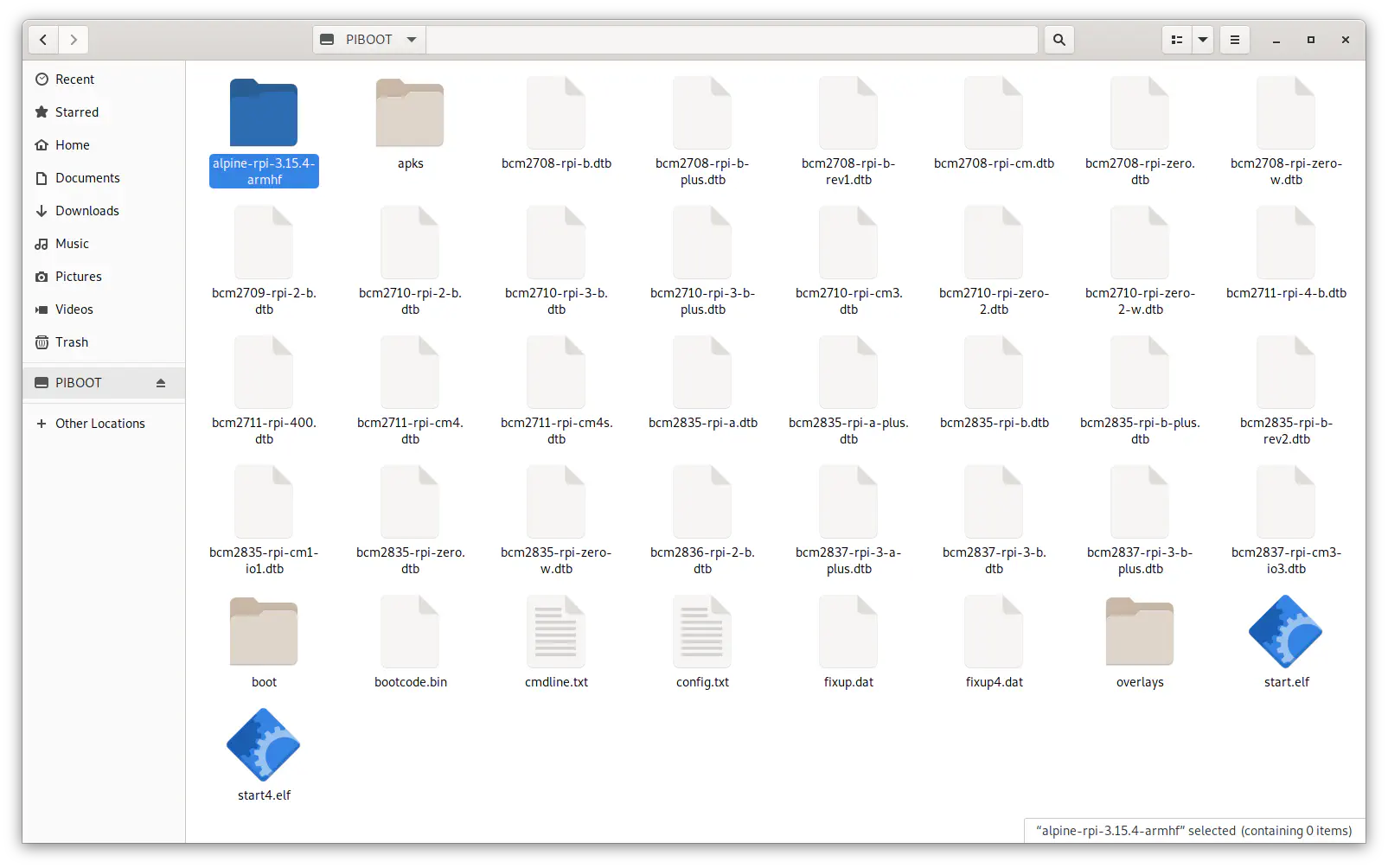
Remove the now extraneous extraction directory (which should be empty).